
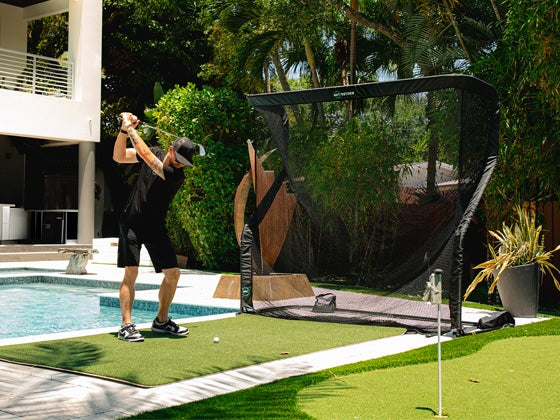

30K Virtual Courses
Play over 30,000 virtual golf courses — from nationally recognized championship venues to your favorite local municipal tracks

Cart
View cartYour cart is empty
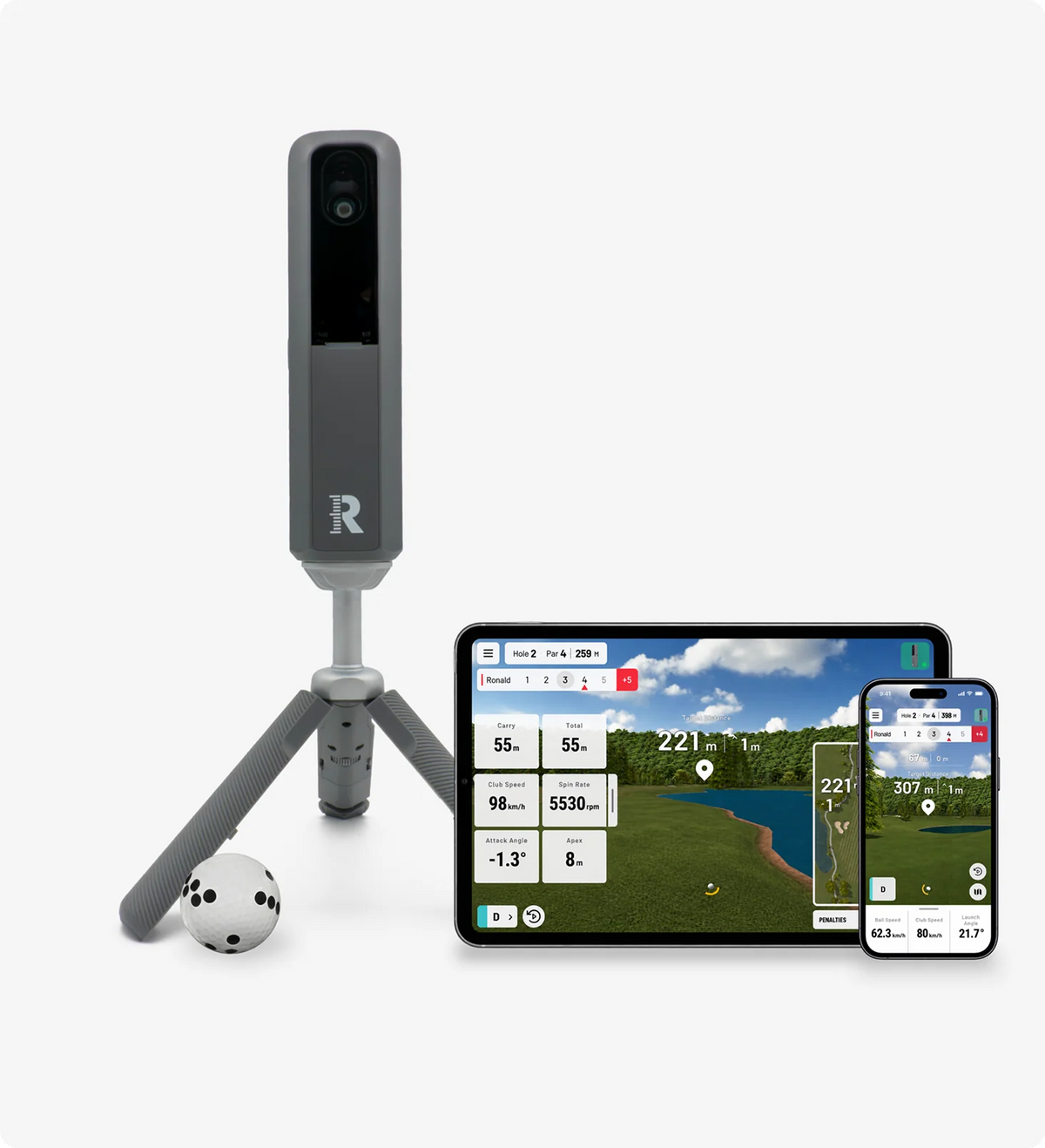
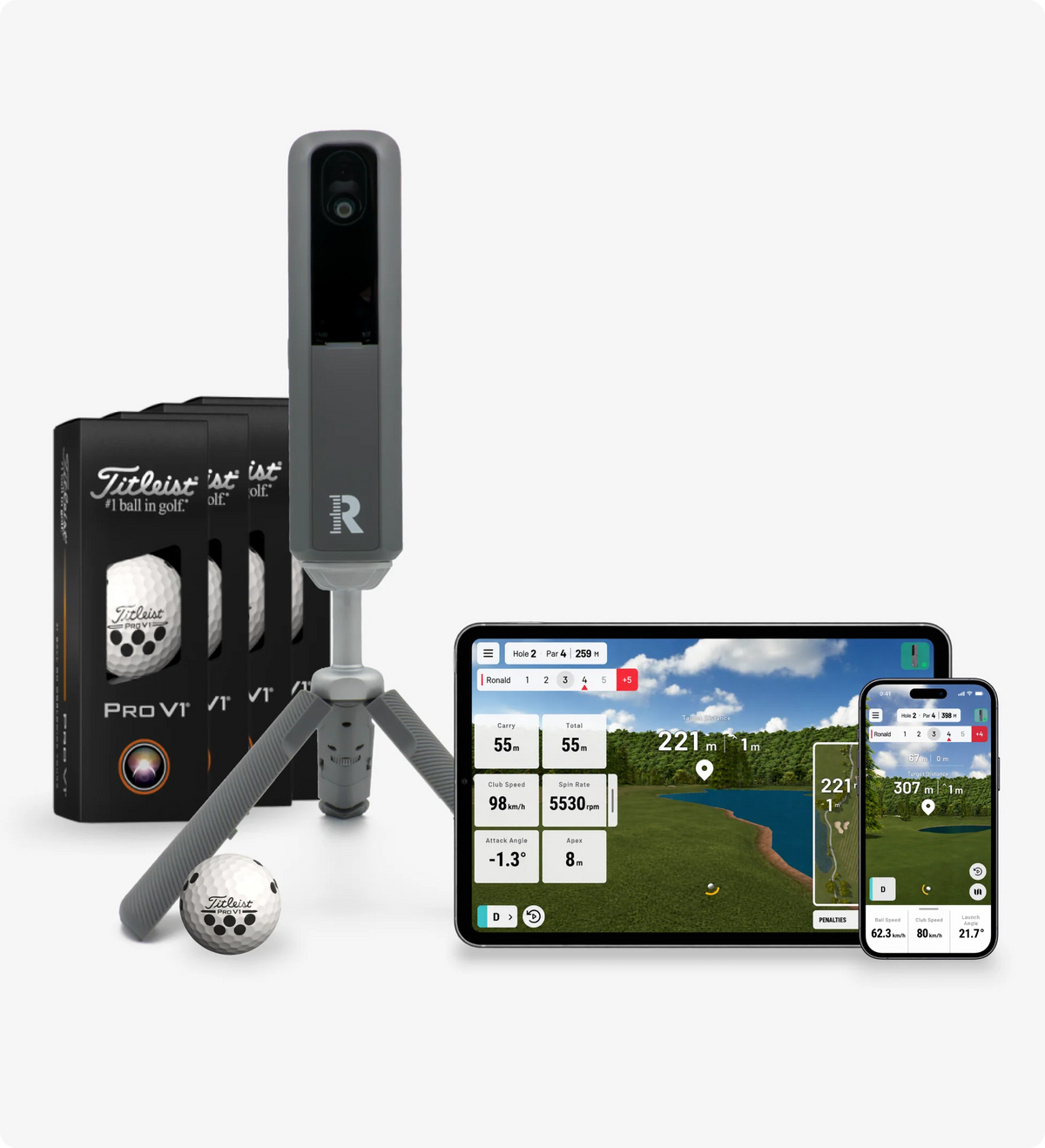
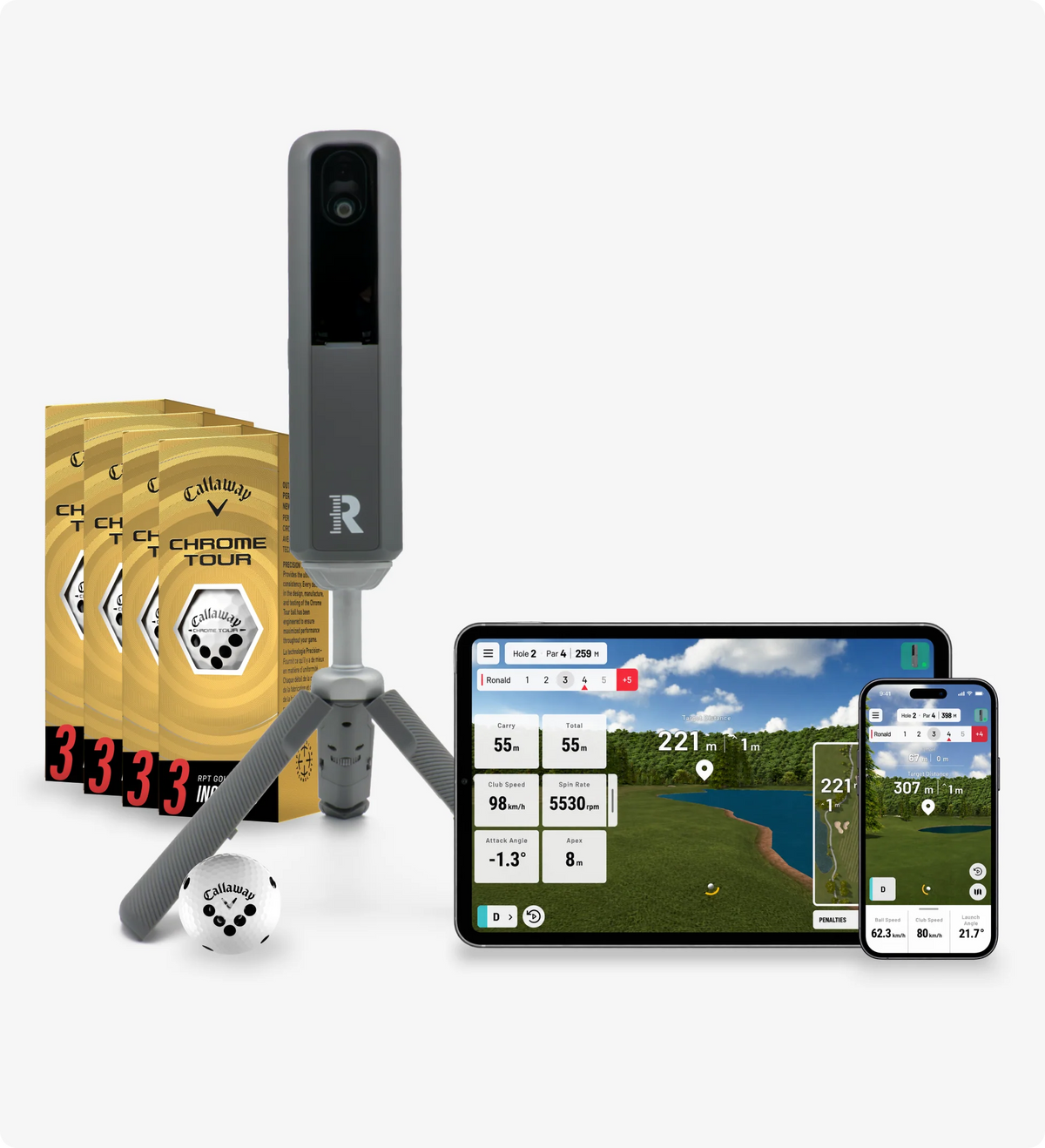
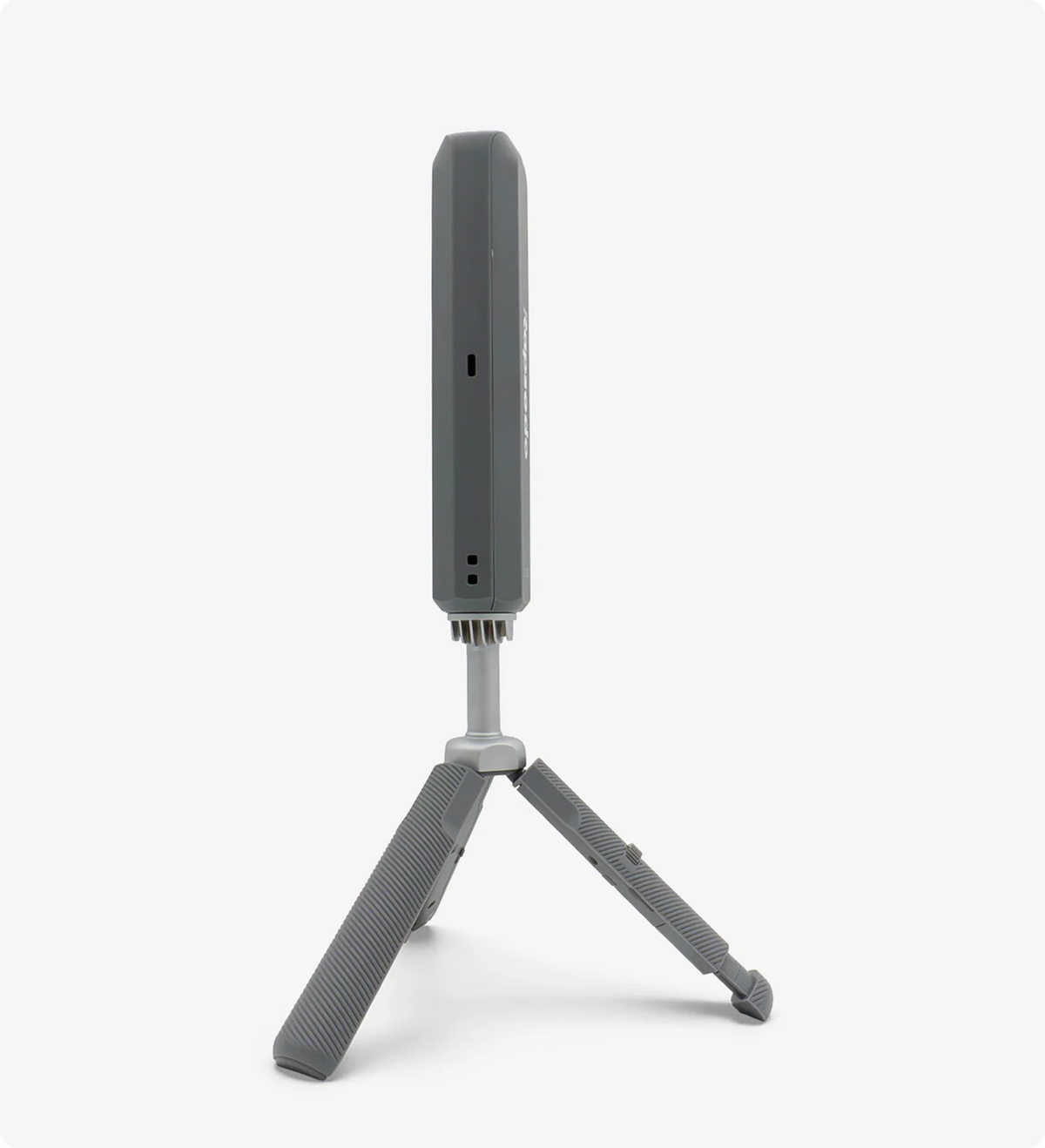
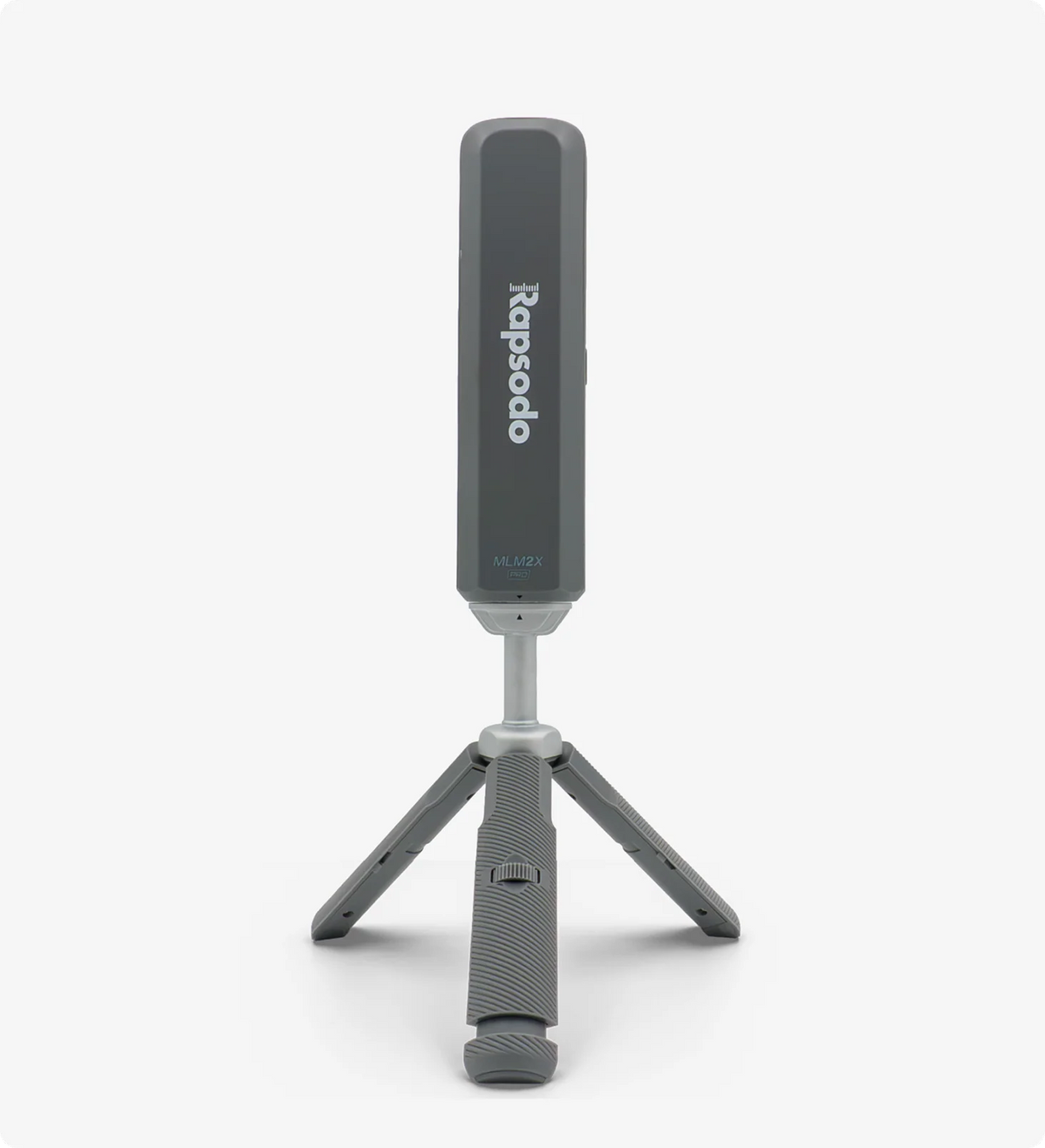

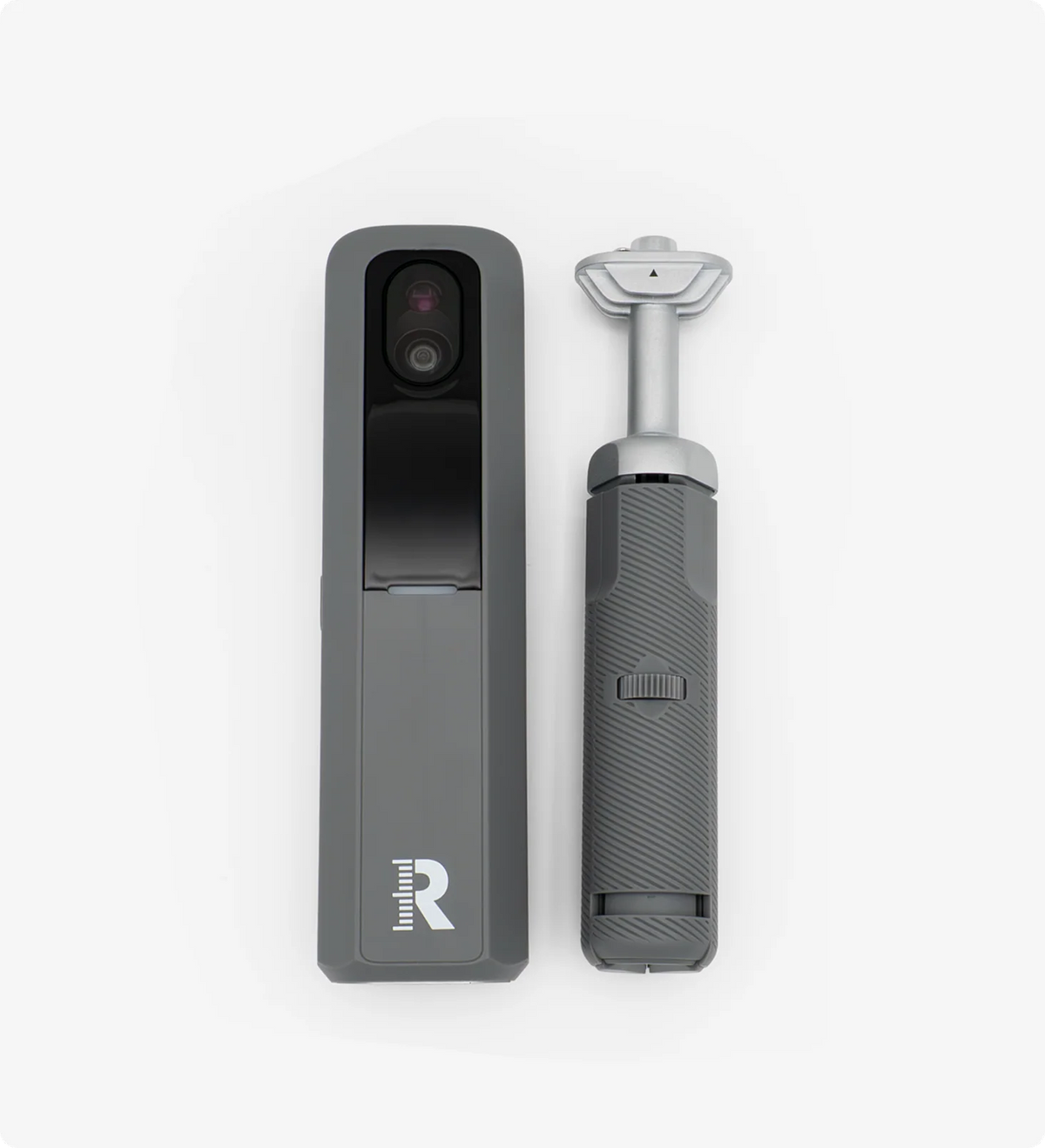
Meet MLM2XPRO, Rapsodo's fastest, most advanced launch monitor and golf simulator yet. Get instantaneous shot feedback, seamless setup and alignment, putting-enabled simulation, and advanced training tools, all designed to help you practice smarter and play better, whether at home or on the course.
MLM2XPRO helps golfers get better by turning every shot into meaningful feedback like combining precise performance data, instant feedback, advanced training tools that show performance trends and gaps, and realistic simulation to help golfers practice with purpose, understand their game, and improve with confidence.

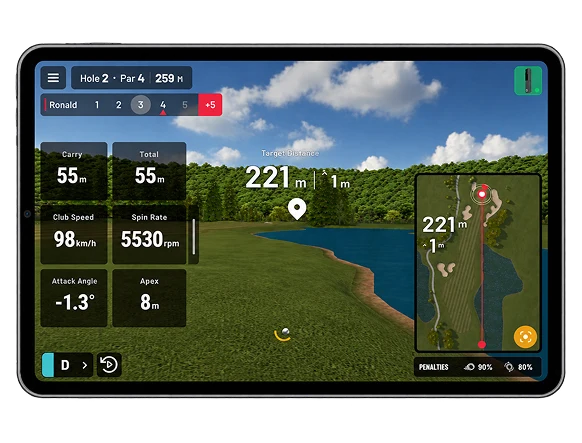
MLM2XPRO helps golfers get better by turning every shot into meaningful feedback — combining precise performance data, instant feedback, advanced training tools that show performance trends and gaps, and realistic simulation to help golfers practice with purpose, understand their game, and improve with confidence.
Rapsodo + Core Membership
Connection to device is faster along with a display screen that helps with leveling, tilt and battery life.
Get instant feedback on every shot.
Putting enabled simulation to all 30K Rapsodo courses providing the full simulation experience.
Play over 30,000 virtual golf courses - from nationally recognized championship venues to your local favorite municipal tracks.
Includes measured Spin Rate & Spin Axis with RPT balls + Measured Club Path and Angle of Attack.
Swing replay and impact vision to see visual feedback on ball contact and club impact at the exact moment of impact captured at 240 frames per second.
Pair your MLM2XPRO with Core membership and you’ve got a complete practice and play setup in one. Dial in your numbers within multiple practice modes with 15 golf club and ball metrics, track your progress over time and take it to the course with 30,000 Rapsodo simulated courses with putting, all powered by the data your MLM2XPRO captures on every swing.
Play over 30,000 virtual golf courses — from nationally recognized championship venues to your favorite local municipal tracks

Putting enabled simulation to all 30K Rapsodo courses providing the full simulation experience.

Get insight on 15 different ball and club metrics including Angle of Attack, Club Path, Spin Rate and Spin Axis

Practice with purpose on a driving range that shows real-time ball flight and tracks 15 performance metrics, giving you instant feedback on distance, accuracy, and consistency with every swing. Then sharpen your precision with 86 targets and 8 fairway targets, built to help you hit tighter shots and shoot lower scores

Swing replay and impact vision to see visual feedback on ball contact and club impact at the exact moment of impact captured at 240 frames per second.

Access to up to 10,000 shots in your shot library.

Seamless
set-up
2x faster
shot-to-show
2x faster
connection
Simulated putting
on all 30,000 courses
Adjustable legs for
alignment
12 RPT balls
included
Ultra-premium 4K graphics and true-to-life physics – so real, you'll forget you're indoors.
Nearly 30 real-world and simulation-partner courses, ready to play at launch with new courses continually added.
Bring your friends – sub accounts, junior tees, tournaments, leaderboards, and online play, all built in.
Your purchase includes the MLM2XPRO, a tripod with an adjustable leg, a charging cable, QR code for activation, your choice of a 12-ball sleeve of Callaway Chrome Tour or Titleist Pro V1 RPT golf balls, and a 21-day free trial of the Core Membership.
The MLM2XPRO launches in every country where the MLM2PRO is currently available.
Yes. Rapsodo Golf Mobile App is a brand-new app, available in the App Store and Google Play. The previous MLM2PRO app doesn't work with the MLM2XPRO.
You need at least 8 feet from the ball to the net, plus 7.5 feet behind the ball for the device: a little more than 15 feet in total. Taller players may need to place the device further back to capture their entire swing video.
Place the device the same way, 7.5 feet behind the ball. Set Handedness to Left Handed under Settings → Player Settings. The device uses this setting for its swing camera view.
Yes. Open Alignment: it shows a live camera view from the device with the hitting area. Place the ball inside the orange hitting area and use the level indicator until Continue unlocks. The alignment screen shows two live camera views, so it needs a steady Wi-Fi connection. If the picture freezes, move the device closer to your router, or try the other connection type.
Solid red means the device is on and ready to connect. On the MLM2XPRO, a slowly pulsing white light means a firmware update is being installed: leave the device on until it finishes. After a firmware update, wait until the light is solid red again before using it.
The small display on the device shows:
The screen is blank while the device is off or asleep. If it stays blank after you hold the power button, charge the device and try again.
Yes


